

Shopify Plus Experts
Shopping for t-shirts online has one small but persistent annoyance: every time you land on a product page, you have to pick your size again. You know your size. We know your size. So why are we making you click it every time? We fixed that. If you have an account with Max Effort Muscle, […]
Shopping for t-shirts online has one small but persistent annoyance: every time you land on a product page, you have to pick your size again. You know your size. We know your size. So why are we making you click it every time?
We fixed that.
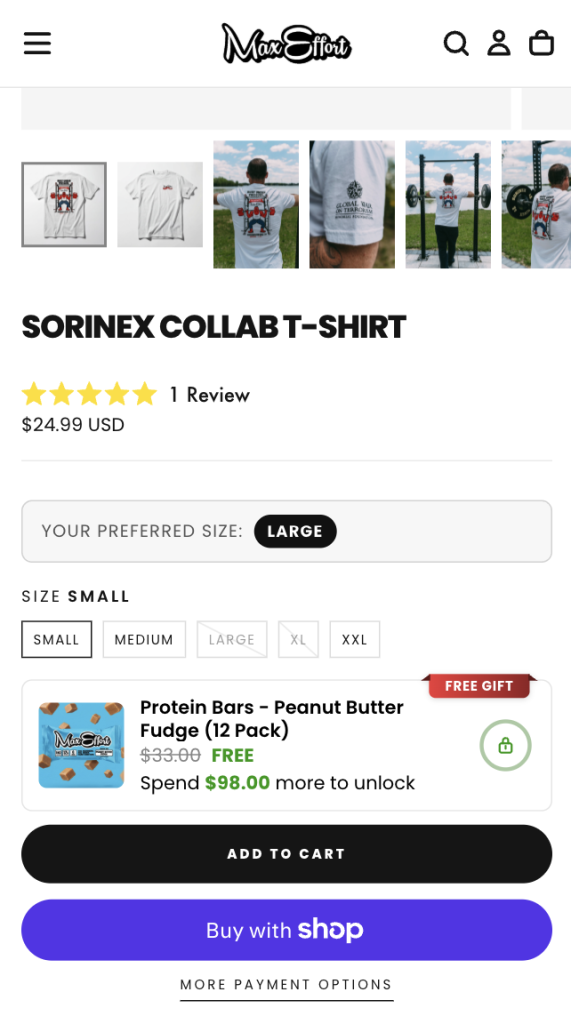
If you have an account with Max Effort Muscle, you can now set your preferred t-shirt size once from your account page. From that point on, every t-shirt product page will automatically highlight your size and show you a quick reminder at the top — “YOUR PREFERRED SIZE: LARGE” — so you can go straight to Add to Cart.
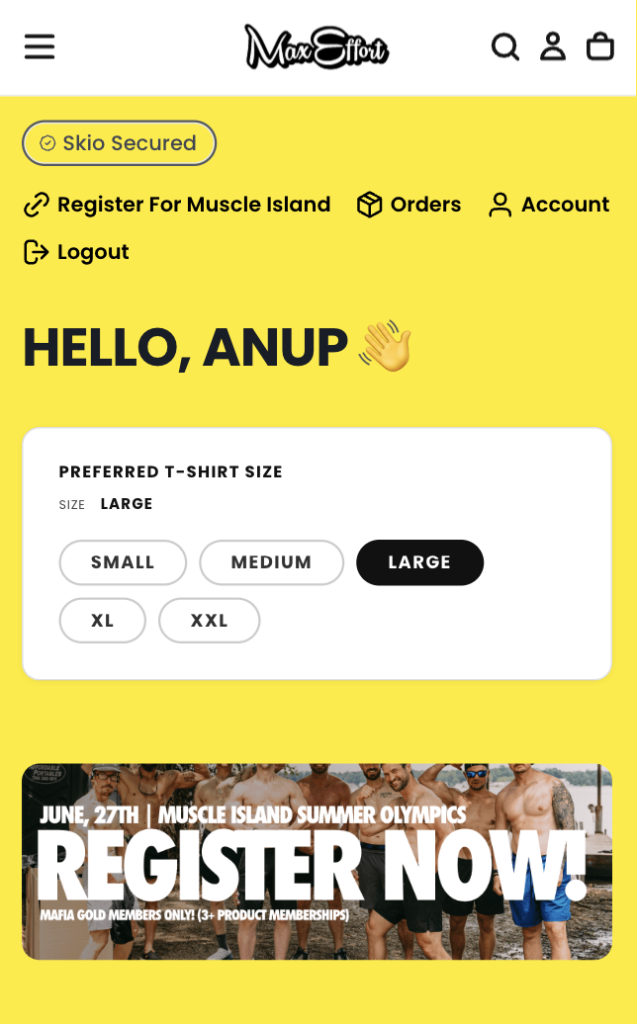
Log in and head to your Account page. You’ll see a new card labeled “PREFERRED T-SHIRT SIZE.” Pick your size, and that’s it. We save it to your account.
The next time you’re looking at a shirt, you’ll see your preferred size called out right above the size selector. The size picker still works normally — you can always choose a different size for a specific product — but your go-to is already highlighted.
This required a bit of custom engineering under the hood. We built a native Shopify app that injects the size picker directly into the SKIO subscription account page — the same page where you manage your subscriptions. When you select a size, the app writes it to your customer metafield, which is Shopify’s way of storing custom data against a customer record. That metafield is then read on every product page to pre-select your preferred size.
The result is a preference that follows your account, not your browser, so it works across devices and persists across sessions.
The fewer clicks between you and the thing you want, the better. This is a small thing, but small things add up. More features like this are coming.


